

Projects
A space that groups related conversations and materials for working with your team.
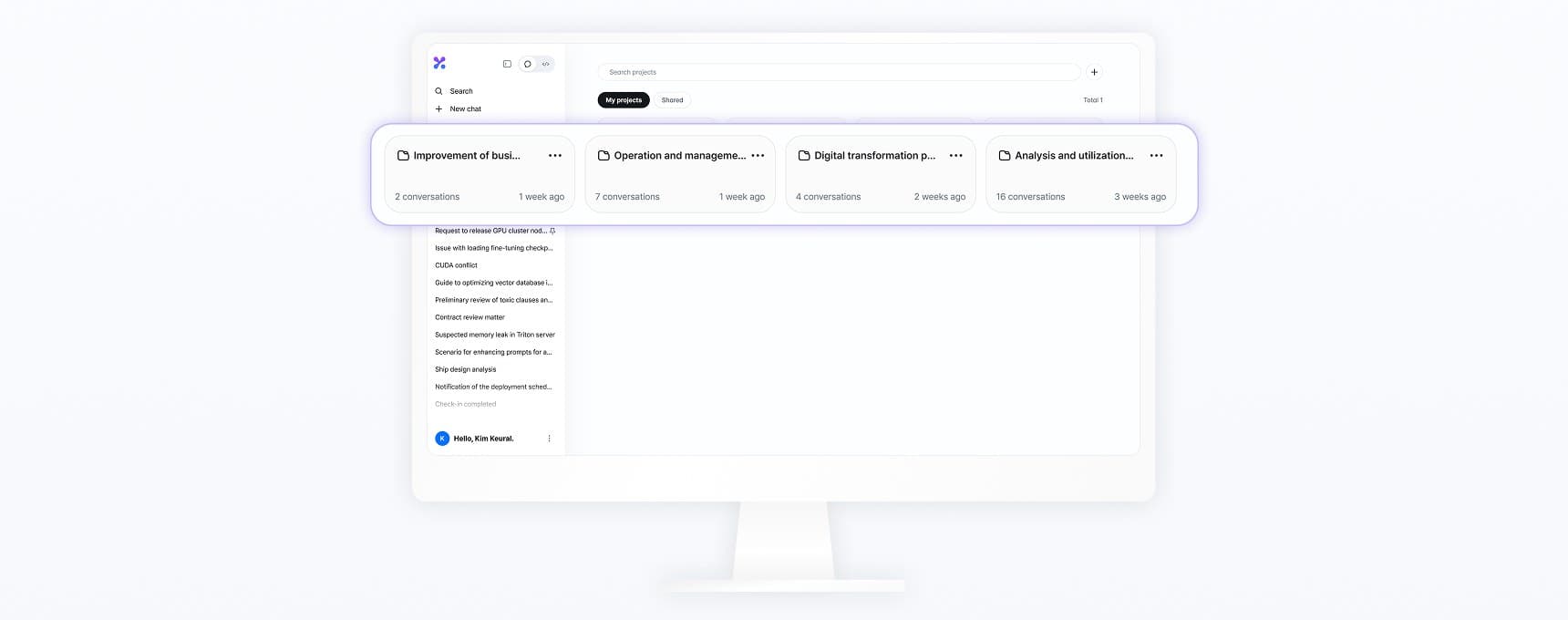
A project is a unit that groups conversations and materials on the same topic. When you open a new chat inside a project, the project's instructions and materials are applied automatically.
What a project contains
- Instructions: Guidance that applies to every conversation in this project
- Materials: Drive files and folders, and Prompts & skills items
Pin frequently used projects to keep them at the top of the list. Move existing conversations into a project with Move to project in the chat menu, and take them out with Remove from project. Removing a conversation does not delete it.
Memory scope
Choose how memory is used when you create a project. You cannot change this after the project is created.
| Scope | Behavior |
|---|---|
| Default memory | In project conversations, also uses your Saved memory. |
| Project-only memory | Uses only this project's memory. Does not read or save your memory. |
When you share a project, its memory scope is fixed to Project-only memory, and it does not revert even after you remove all sharing.
Sharing
Projects in an organization workspace are shared with members of the same organization. Projects in a personal workspace cannot be shared. Members who receive a project use its Drive and Prompts & skills in project conversations without being shared each item separately.
There are two permission levels, Viewer (view) and Editor (edit). The person who created the project is the owner. Editors can also add and remove members. See Sharing and export.
Deleting
When you delete a project, the conversations inside it are also deleted. Conversations you want to keep should first be removed with Remove from project.