

Drive
A file space for work documents that the AI uses as evidence in answers.
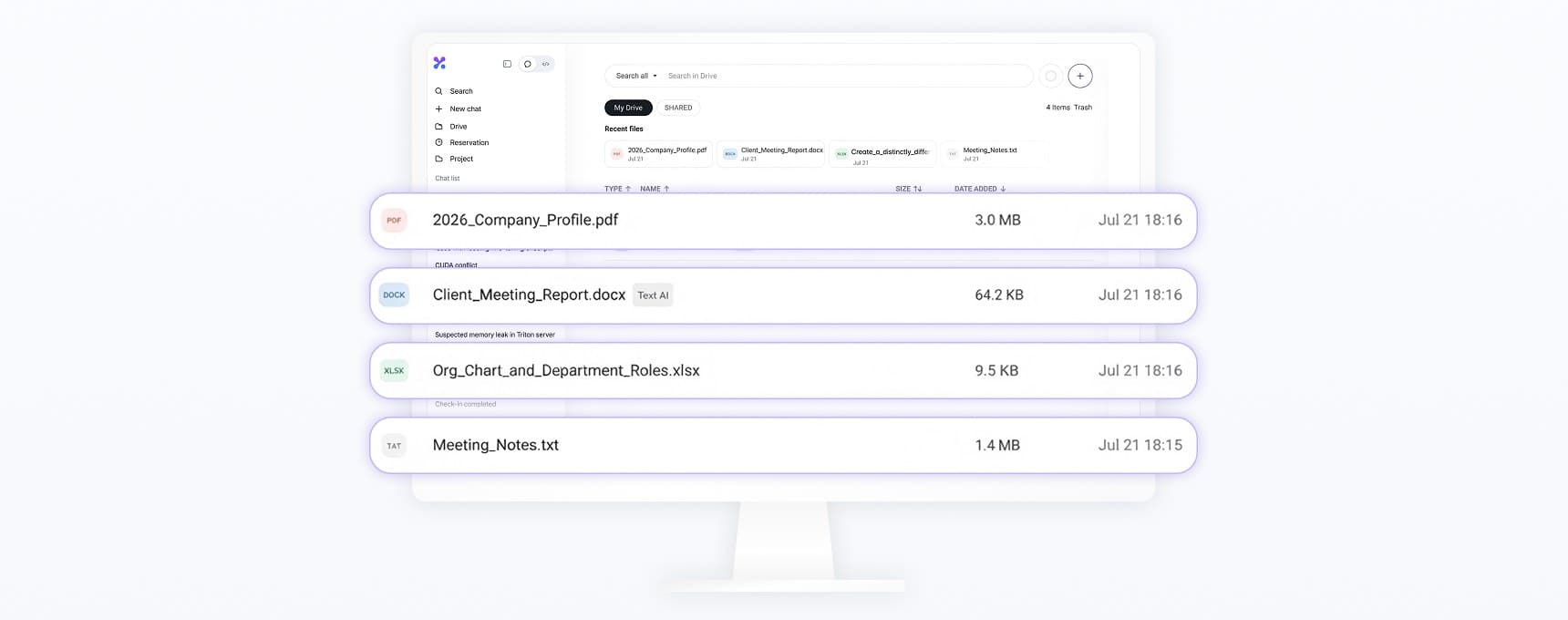
Documents uploaded to Drive are analyzed and indexed automatically. When you select a Drive file in chat or click Ask in the Drive list, Keural finds evidence in that file and answers. You can also select a page in the file viewer and ask about it.
Supported formats
| Category | Formats | Processing |
|---|---|---|
| Documents | PDF, DOCX, DOC, PPTX, PPT, XLSX, XLSM, XLS, HWP, HWPX | Analyzed and indexed |
| Tabular data | CSV, TSV | Split into rows and indexed |
| Text | TXT, Markdown, HTML, JSON, major programming language source files | Analyzed and indexed |
| Images | PNG, JPEG, GIF, BMP, WEBP, TIFF | Not indexed. The model reads the image directly when you ask a question |
| Video · Audio | MP4, WEBM, MOV, M4V / MP3, WAV, M4A, OGG, FLAC | Stored and playable. In environments where a model that reads audio and video is configured, the agent listens to and watches them when attached |
| CAD | DWG, DXF | Stored only, not indexed |
Files with disallowed extensions, and files without an extension, cannot be uploaded.
Scanned PDFs are analyzed automatically with text recognition (OCR), and documents with complex tables or figures are analyzed with a visual model. If the results are inaccurate, re-analyze the file more precisely with AI analysis in the file menu. AI analysis is available only to the file owner on paid plans. Password-protected PDFs must be unlocked before they can be analyzed.
Search method
- It finds passages that are semantically close to your question and passages that match your keywords.
- It re-evaluates the candidates and ranks them.
- When there are multiple files, it draws evidence evenly from each file and removes duplicated content.
- It attaches the source files and pages to the answer.
When you ask for an exhaustive or counted answer, such as "all of them, without exception," the whole document is read in sections. Counts produced from search results are results within the range that was checked. If the document was not read in full, the answer shows that limit.
Capacity
Drive capacity differs by plan. When it is full, you cannot upload more files. Check the remaining capacity on the Drive screen.
Organizing and deleting
- Organize files into folders, and search by file name or author.
- Deleted files go to Trash. Emptying the trash permanently deletes only the files you own, and this cannot be undone.
- Trash is not emptied automatically.
Sharing
You can share files and folders with other people. Sharing a folder applies the same permission to the items inside it. A person with view-only permission can download and ask questions only. You can remove an item shared with you from your list with Remove from my drive, and the owner's original stays as is. See Sharing and export.
Workspaces and storage location
Drive is separate for each workspace. Files uploaded to an organization workspace are not visible in your personal workspace. Organizations also have shared drives created by admins.
If you have connected a Spark device in the desktop app, you can select Remote as the storage location. Files are stored on the connected Spark instead of the cloud.